Introducing sre.azure.com with Integrated Docs Site
Azure SRE Agent now has a dedicated home at sre.azure.com — manage agents, investigate incidents, and automate operations, all in one place.
What you can do with it
At sre.azure.com, everything is organized around your workflow:
| Area | What you do there |
|---|---|
| Chat | Real-time conversations with streaming responses and tool execution visible as it happens |
| Builder | Configure subagents, connectors, knowledge base, and response plans |
| Monitor | Track incident metrics, session insights, and agent activity |
| Settings | Manage incident platforms, managed resources, and agent configuration |
What you'll find
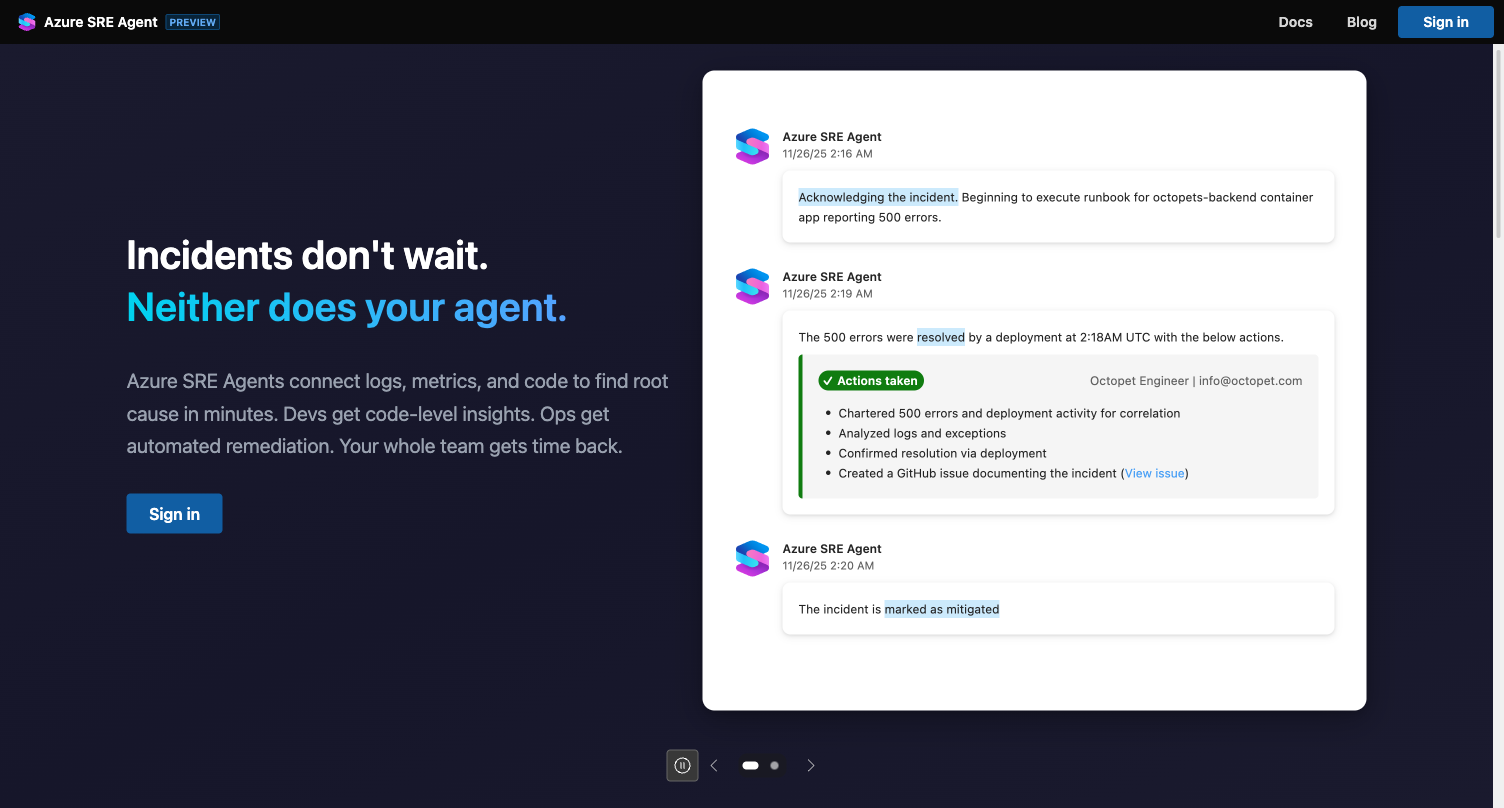
Landing page — Visit sre.azure.com without signing in to see what Azure SRE Agent can do. Share it with teammates who haven't tried it yet.
All your agents in one view — Every agent across your subscriptions in a single list. Filter, create, and jump into any agent's chat with one click.
Integrated docs — The Docs button opens comprehensive documentation right at sre.azure.com/docs:
- Getting Started — Create an agent and have your first conversation
- Concepts — Connectors, memory, subagents, tools, and agent reasoning
- Capabilities — Incident response, root cause analysis, and more
- Tutorials — Step-by-step guides for connectors, subagents, tools, and integrations
What's new
Over the past month, we've shipped several capabilities:
Skills — Package runbooks and domain knowledge into reusable skills that your agent loads automatically during investigations. Build once, use across all your subagents. See it in action →
Python Code Execution — Your agent writes and runs Python to analyze data, generate charts, and solve problems beyond natural language.
Agent Hooks — Run custom bash or Python scripts before and after agent actions. Useful for approval gates, notifications, or triggering external workflows.
Extended Knowledge Base — Upload images, PowerPoint, Word, Excel, and PDF files alongside your existing markdown and text documents.
Get started
- Try it now: sre.azure.com
- Create your first agent: Getting started guide →
- Browse the docs: sre.azure.com/docs
- Read common use cases: Azure SRE Agent blog →